06
Review and publish versions
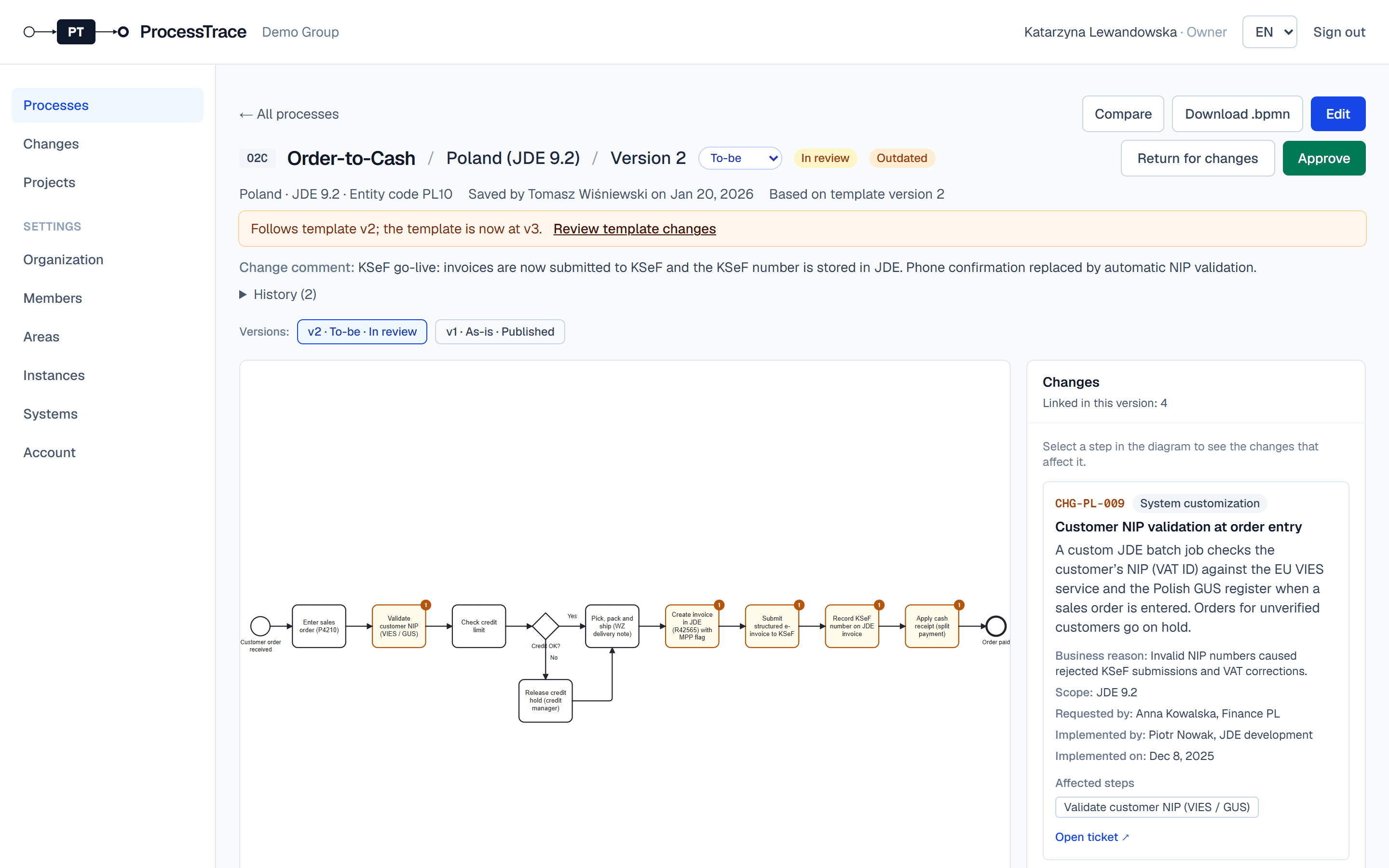
New versions are drafts until they are reviewed and published. The published version is the one in force; earlier published versions show as archived.
From draft to published
- 1The modeler opens the draft and clicks Submit for review.
- 2Approvers see it under Awaiting review on the processes page. They open it and click Approve, or Return for changes with a comment.
- 3When the change goes live, click Publish (go-live). A to-be version then becomes as-is, and the previous published version is archived.
Tip: An as-is version is approved and published in one step (Approve and publish). With Require a second approver (Settings → Organization), nobody approves their own work.