07
Compare versions
Compare any two versions of a process side by side, including a local variant against the global template.
Compare two versions
- 1On a version, click Compare and choose the other version, or click Compare with previous in the version history.
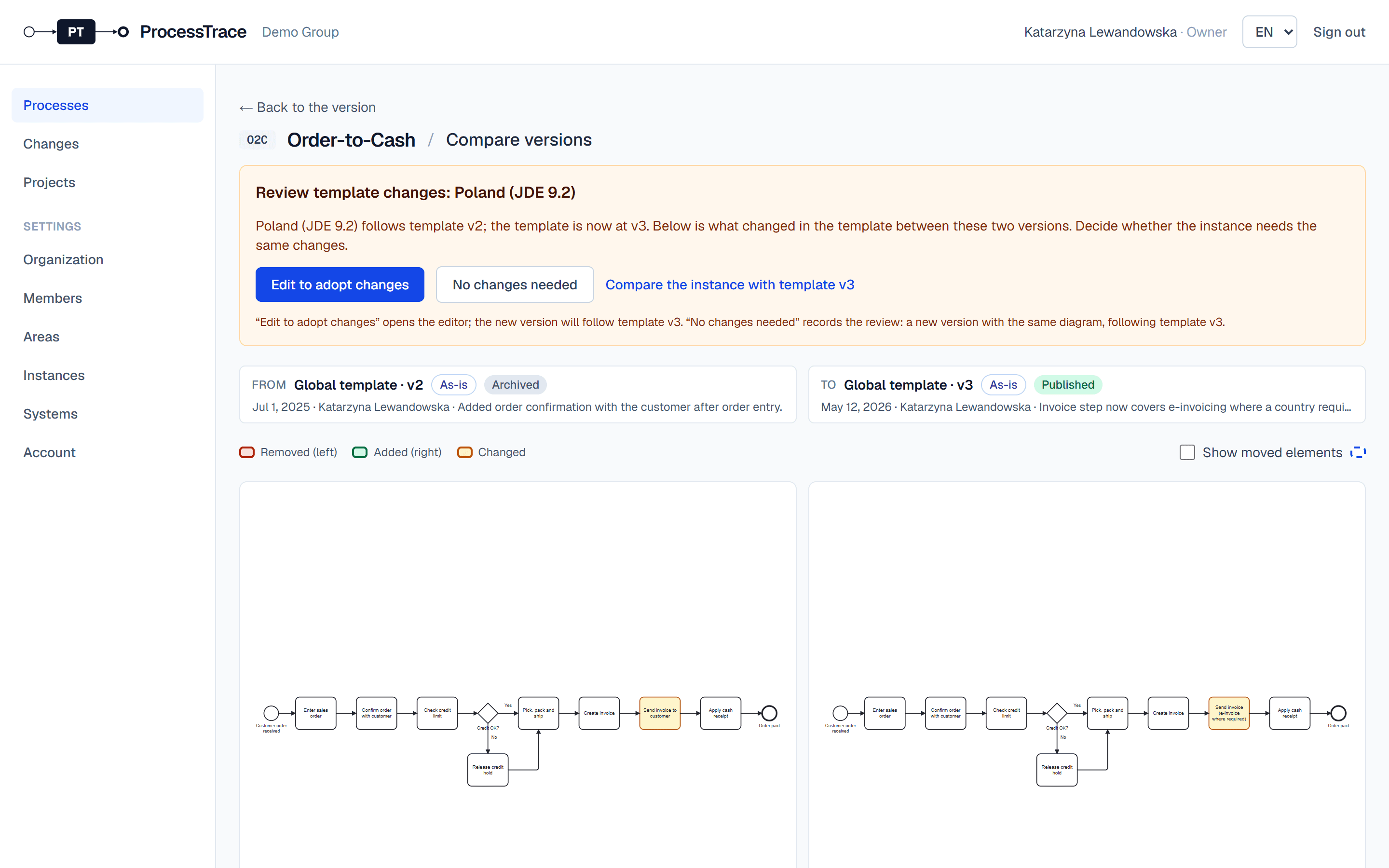
- 2Removed steps are red on the left, added steps green on the right, changed steps amber on both. A list below names every difference, including linked and unlinked changes.
Bring template changes into a variant
- 1When the template gets a newer published version, variants that follow an older one are marked Outdated.
- 2Click Review template changes to see what changed in the template.
- 3Click Edit to adopt changes to bring them into the variant, or No changes needed, with a comment, if they don’t apply there.