02
Set up your systems
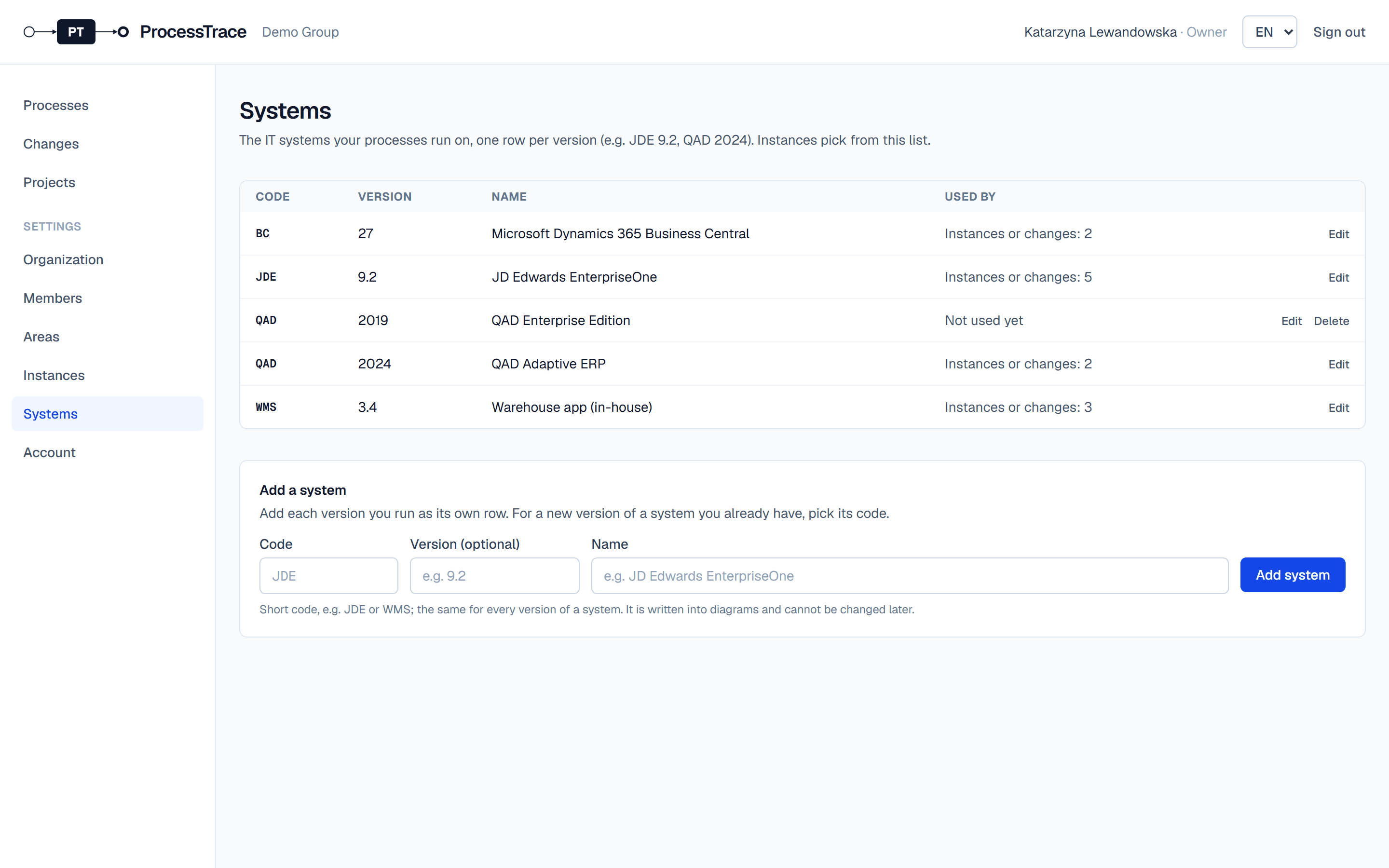
Systems are the IT systems your processes run on, one row per version, for example JDE 9.2 or QAD 2024. Instances and changes refer to them.
Add a system
- 1Open Settings → Systems (owners and admins).
- 2Under Add a system, enter a short code (e.g. JDE), the version (optional) and the name. Click Add system.
- 3For a new version of a system you already have, pick its code: the name is filled in. Each version is its own row.
- 4Edit changes the version and the name. The code stays fixed, because saved diagrams refer to it.
Tip: A system that an instance or a change uses can’t be deleted.