01
Get started
Your organization holds your processes, changes and projects. You create it once, then invite the people who work on your processes.
Create your account and organization
- 1Click Create account on processtrace.app. Sign up with your e-mail address and a password, or continue with Google or Microsoft.
- 2If you signed up with e-mail and password, open the confirmation link we send you.
- 3Enter the name of your organization. You become its owner.
Tip: Invited by a colleague? Open the link in the invitation e-mail and sign in with the invited address: you join their organization instead of creating your own.
Invite your colleagues
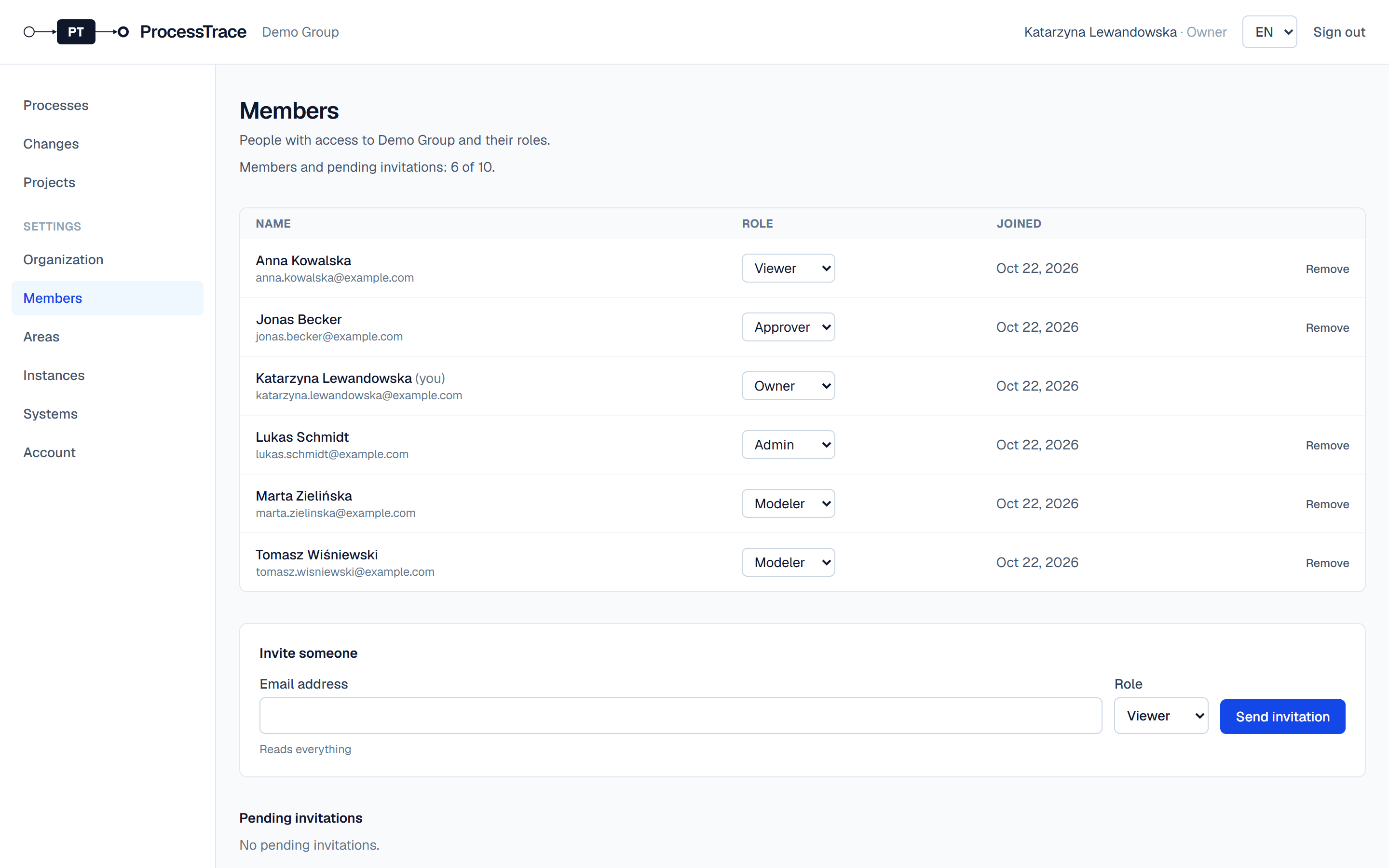
- 1Open Settings → Members.
- 2Enter a colleague’s e-mail address, choose a role and click Send invitation. The invitation is valid for 7 days.
- 3In the list, change a member’s role or remove them. Pending invitations can be cancelled.
Tip: Roles: viewers read everything; modelers also edit maps and manage changes and projects; approvers also approve and publish versions; admins also manage members and settings; owners can also delete the organization.
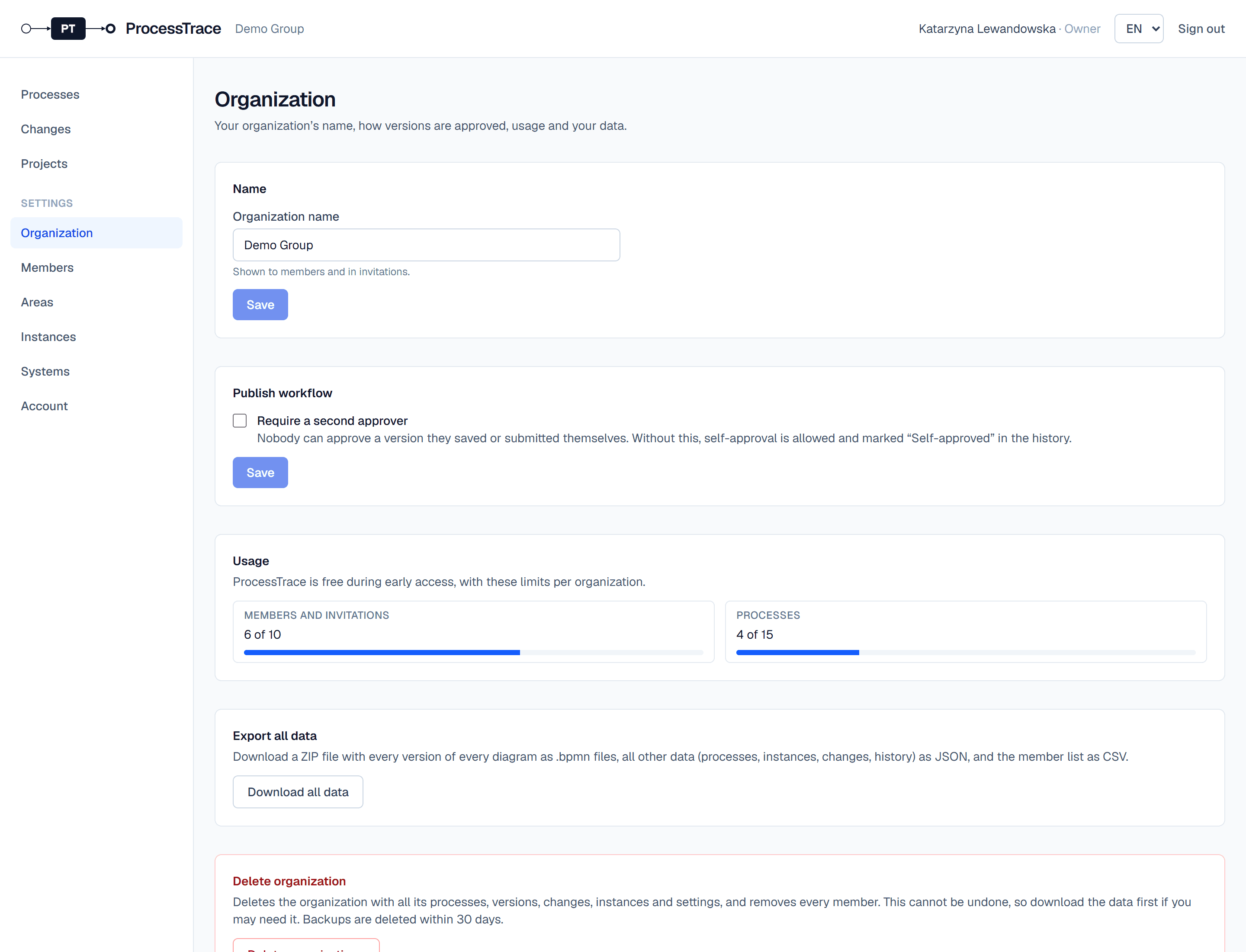
Organization settings
- 1Under Settings → Organization, owners and admins rename the organization.
- 2Turn on Require a second approver if nobody should approve a version they saved or submitted themselves.
- 3The same page shows how much of the free plan you use.